 PaletteFinch
A clean background
Solid background illustration generator
A busy scene can compete with the rest of your page. Begin with one object, a simple silhouette and a background color chosen for the space around it.
Use this brief ↗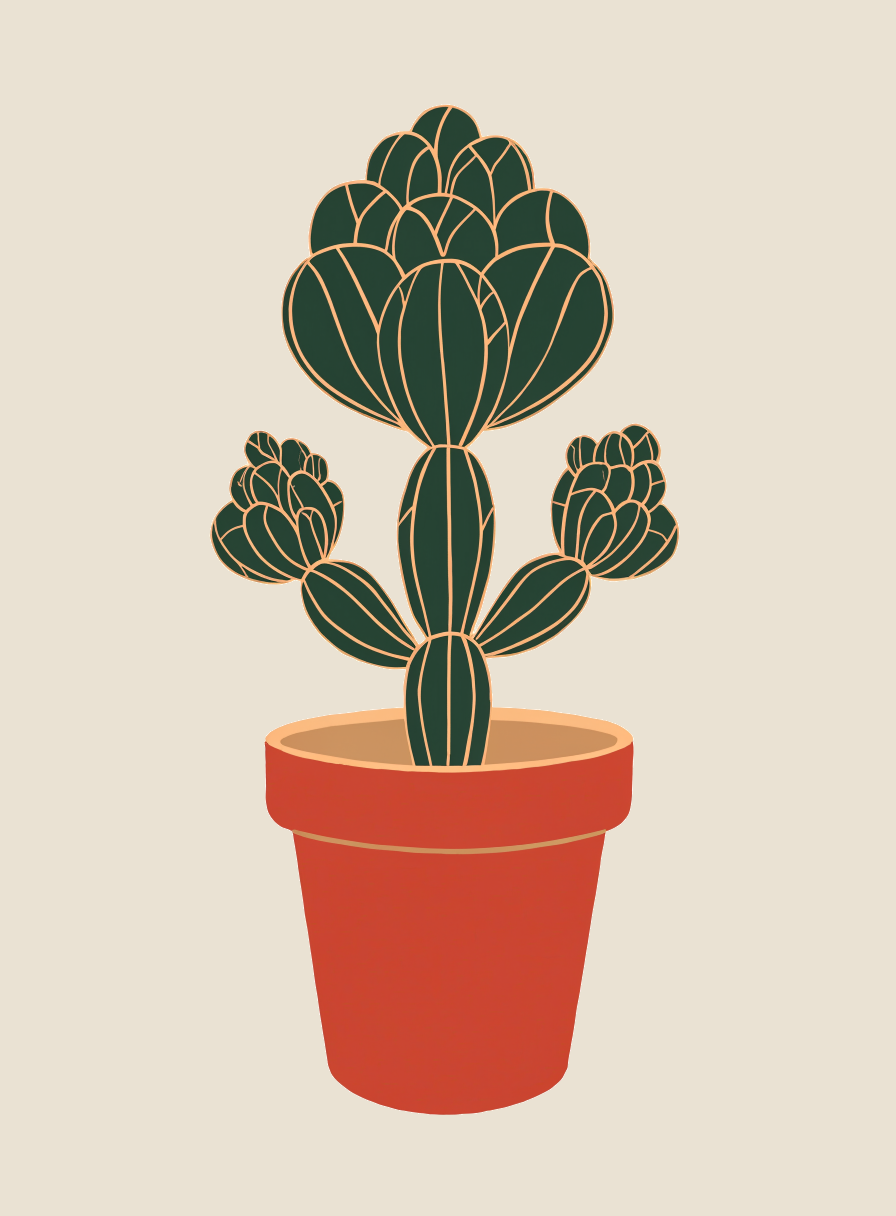
One subject. A quieter background.
An illustration beside a signup form, a narrow slide panel or a vertical article card.
- 01
Describe only the cactus and its pot. Extra room details would give the model more background elements to invent.
- 02
Set your background HEX separately. Use a light neutral here so the dark cactus stays visible.
- 03
Ask for no ground line and no cast shadow. Review the edges before placing the image against another surface.
What to check in your result
The outer background was adjusted to the requested warm beige. The cactus keeps its fine pale outlines, and the earlier bright yellow flowers are absent. The pot is still more saturated than the chosen clay color; the result remains a raster illustration with extra shades.